
Click. Connect. Contacti.
"The Premium Contact Standard."
Design your perfect form, see its predicted conversion rate in real-time, then install it with zero coding.
Our AI analyzes your form design and predicts completion rates before a single visitor arrives.
Watch your conversion rate update as you add or remove fields. Every change is instantly analyzed.
Get AI-powered recommendations to improve your form's performance based on conversion data.
Understand which fields cause drop-off and optimize for maximum completion rates.
Never lose a lead. Every submission is securely stored in your dashboard — view, sort, and manage leads in cards or grids, with zero risk of spam filters or accidental deletes.
Traditional form builders waste your time. We built the intelligent solution that optimizes for results.
Contacti.App combines design with data science.

Three ways to get your perfect form live
Build from 57 fields, see your conversion prediction in real-time, then install with guided help.
Skip the design, use a proven template, and get step-by-step installation help. Perfect for beginners.
Explore 33 pre-built forms across 7 categories. Copy the code and customize later.
From design to live in minutes.
🎯 See conversion predictions
AI-powered intelligence
👋 No coding needed
📋 33 pre-built forms
Use Form Builder to create and optimize your form with AI predictions.
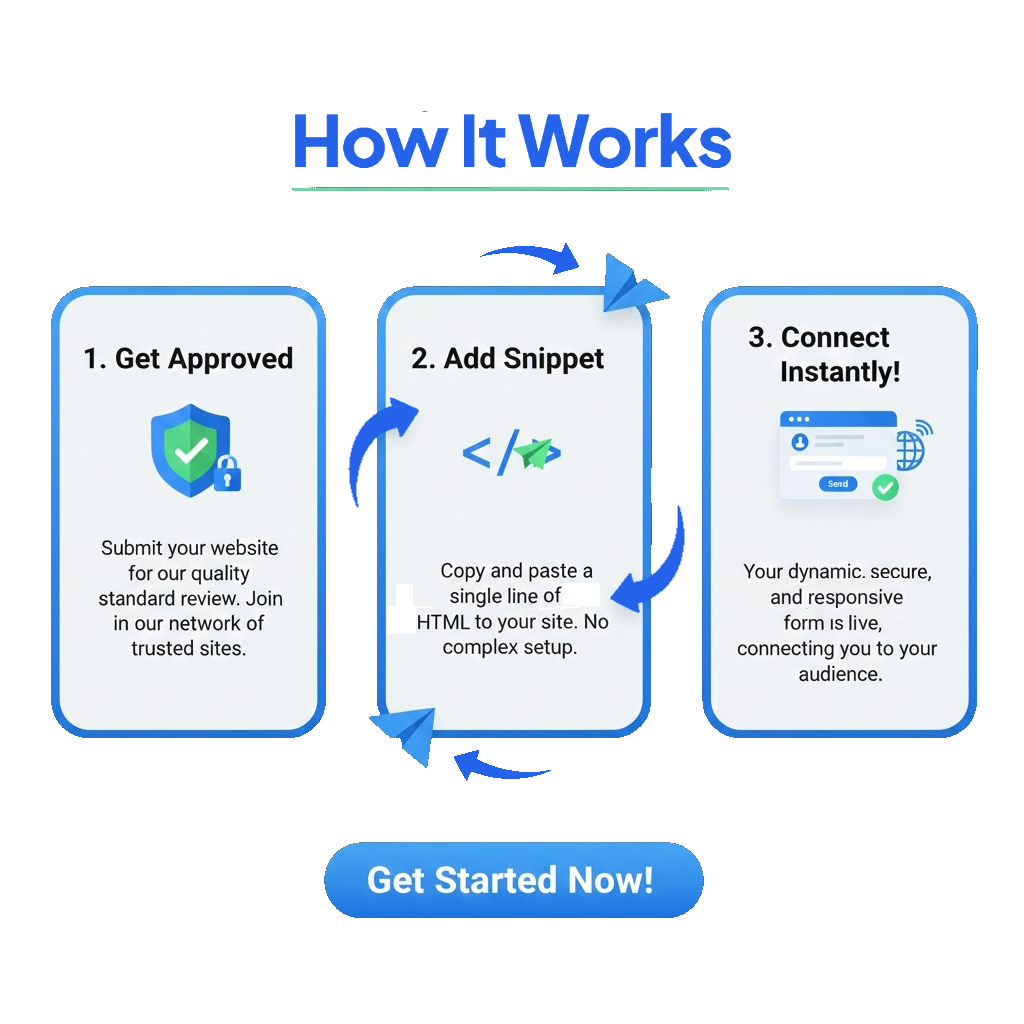
Apply below to get your API Key via email (reviewed within 24 hours).
Get step-by-step installation help or grab the code snippet.
Your optimized form is live and ready to capture leads.
// Your single-line solution
<script src="https://contacti.app/js/index.js"
  api-key="USER_ID"></script>
Join the exclusive network of high-performance properties using the Contacti standard. Fill out the form below; our team reviews all applications within 24 hours.
* By applying, you agree to our 100% spam-free delivery guarantee.